BetterCrewLink normally launches Among Us through Steam. Since we're using a modded copy of the game (Town of Us), you need to point it at the mod's Among Us.exe file instead. Follow the steps below.
1.Click the Dropdown
With BetterCrewLink open, click the ▾ arrow next to "Steam" under the "Open via" label.
The app shows Steam by default — click the arrow on the right side of the button, not the Steam label itself.
👁 BetterCrewLink v3.1.4
✕Waiting for Among Us
Open via
Steam
▾
2.Select 'Custom'
From the dropdown, click Custom. This opens the Custom Platform config panel.
Don't click Epic Games — select Custom at the bottom.
👁 BetterCrewLink v3.1.4
✕Waiting for Among Us
Open via
Steam
▾
3.Configure Your Custom Platform
Fill in the Custom Platform panel:
- Set Title to something like ToU
- Make sure EXE is selected (not URI)
- Click SELECT FILE and navigate to your mod folder
- Select Among Us.exe
Custom Platform
←
Title
ToU
EXE
URI
EXE Path
SELECT FILE
DELETECONFIRM
4.Select Among Us.exe
In the file picker, navigate to your mod folder and select Among Us.exe.
Important: Select Among Us.exe (635 KB) — NOT UnityCrashHandler32.exe.
Open✕
Downloads›ToU Updated›ToU
🏠 Home
⬇ Downloads
📄 Docs
🖥 Desktop
| Name | Type | Size |
|---|---|---|
| Among Us.exe | App | 635 KB |
| UnityCrash… | App | 982 KB |
| BepInEx | Folder | — |
| Among Us_Data | Folder | — |
| dotnet | Folder | — |
File:
Among Us.exe
5.Confirm and Select ToU
Back in the panel, click CONFIRM to save. Then pick your new entry from the dropdown — BetterCrewLink will now launch the mod.
Custom Platform
←
Title
ToU
EXE
URI
EXE Path
...\ToU Updated\ToU\Among Us.exe
SELECT FILE
DELETECONFIRM ✓
👁 BetterCrewLink v3.1.4
✕Waiting for Among Us
Open via
ToU
▾

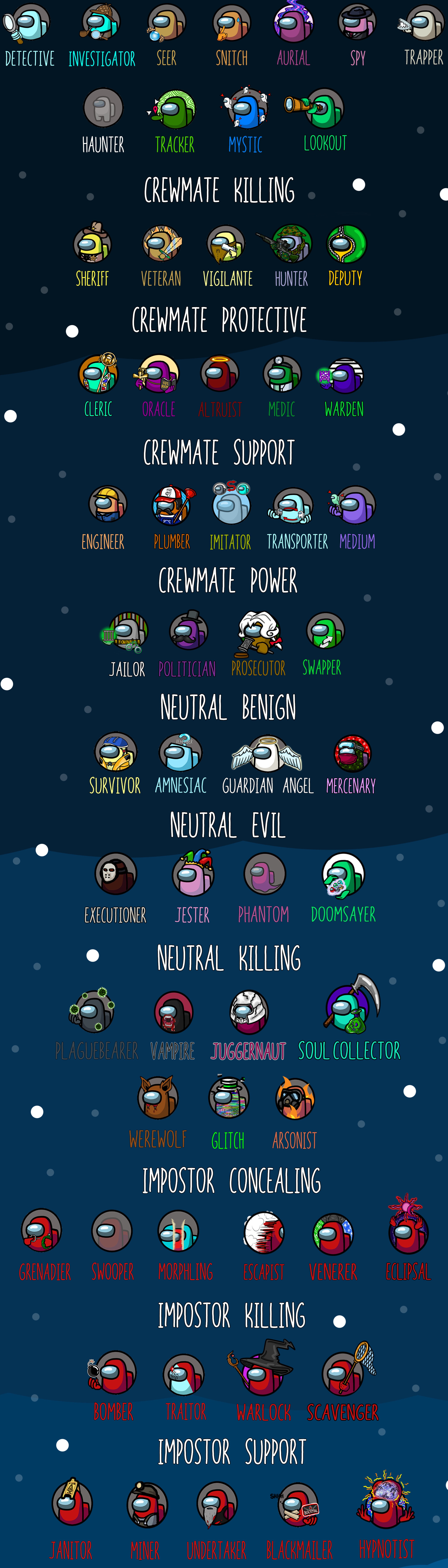
Town of Us — Roles
Click your role to learn more.